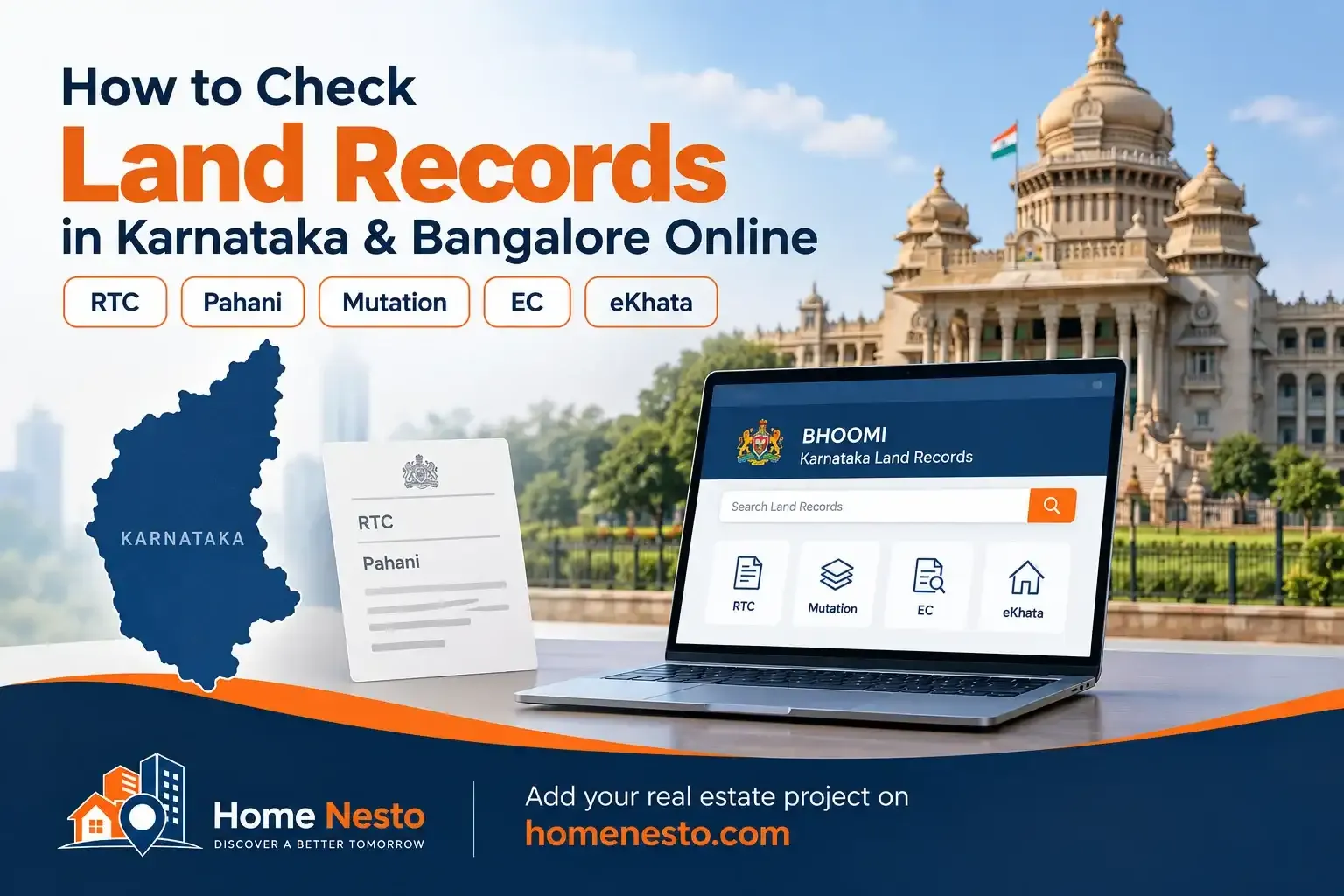
Many people search for “7/12 Karnataka” or “7/12 Bangalore” when they want to check land ownership or property records online. Karnataka uses different terminology. The main revenue record is called RTC (Record of Rights, Tenancy and Crops), commonly known as Pahani.
For agricultural and revenue land, the Karnataka government uses the Bhoomi land records system. For registered property transactions, buyers may need records from Kaveri. For properties within Bengaluru's municipal system, e-Aasthi/eKhata and property tax records are also important. Survey documents, land conversion records, title documents and approvals may also be needed depending on the property.
This guide explains what each record means, where to check it and what a buyer should compare before purchasing land, a plot, a house or an apartment in Karnataka or Bangalore.
Does Karnataka Have a 7/12 Land Record?
Karnataka does not normally use the term 7/12 extract for its main revenue land record. The document that readers usually need to look for is the RTC or Pahani.
RTC stands for Record of Rights, Tenancy and Crops. Karnataka's Bhoomi system digitised land records and uses the land-record database to record ownership and other changes through mutation. The Karnataka government also provides RTC services through its online system and service centres.
Therefore, when someone searches for “7/12 online in Karnataka”, the practical starting point is the Bhoomi RTC/Pahani record.
What Land Records Are Available in Karnataka?
Record | What it is used for | Main system or authority |
|---|---|---|
RTC / Pahani | Revenue land rights, land details, cultivation and related entries | Bhoomi / Revenue Department |
Mutation Extract | Records changes entered in revenue records after events such as sale, inheritance or partition | Bhoomi |
Mutation Status | Shows the status of a mutation application or entry | Bhoomi |
Tippan / Survey Records | Survey measurements, parcel information and related survey documentation | Survey, Settlement and Land Records Department |
11E / Pre-Mutation Sketch | Survey document used in applicable subdivision, phodi and related transactions | Survey Department / Mojini |
Encumbrance Certificate (EC) | Shows registered transactions and recorded encumbrances for the selected period | Kaveri / Registration Department |
Sale Deed and other registered deeds | Evidence of the registered transaction and transfer document | Registration Department |
Khata / eKhata | Municipal property record used for property-tax administration and related civic services | Local municipal authority / e-Aasthi |
Property Tax Record | Property assessment and tax-payment information | Municipal property-tax system |
Land Conversion Order | Shows approval for diversion of agricultural land for applicable non-agricultural use | Revenue Department |
Not every property needs every document. Agricultural land, a converted plot, an apartment and a municipal house can have different records and approval requirements.
How to Check RTC or Pahani Online in Karnataka
The Karnataka government's Bhoomi system is the main starting point for RTC/Pahani and mutation-related land records.
Step 1: Open the Karnataka Bhoomi land-records portal
Use the official Karnataka land-records portal. Avoid private websites that ask for payment to provide a basic search when the government portal provides the service.
Step 2: Keep the land details ready
You will normally need details such as:
District
Taluk
Hobli
Village
Survey number
Surnoc or Hissa details, where applicable
The exact fields available can depend on the record and the service selected.
Step 3: Search for the RTC/Pahani
Enter the location and survey details and retrieve the available RTC record.
Check the owner's or khatedar's name, survey number, extent, land classification, cultivation details and other entries shown in the RTC.
Step 4: Compare the record with the documents supplied by the seller
Do not stop after finding the name online. Compare the RTC with the registered sale deed, earlier title documents, mutation entries and the actual property details.
What Information Does a Karnataka RTC/Pahani Show?
An RTC can contain important information about the land, including the survey details, extent, names recorded in the revenue record, land-related classifications and cultivation information.
The format can vary depending on the record and the service used. A buyer should therefore read the complete record instead of looking only at the owner's name.
How to Check Mutation Status in Karnataka
A mutation entry records a change made in the revenue record. Such changes can follow transactions or events such as sale, inheritance, partition and other recognised changes in rights.
Karnataka's Bhoomi system records ownership and other changes in RTCs through mutation.
When checking a property, compare:
Current RTC
Mutation Extract
Mutation Status, where a transaction is still under process
Registered deed that caused the change
A mismatch between these records needs further verification before a transaction moves ahead.
Is Mutation Enough to Prove Ownership?
No.
A mutation entry is a revenue record. It does not by itself create or transfer legal title. The Supreme Court has repeatedly held that mutation entries serve a fiscal purpose and do not by themselves confer title.
This means a buyer should not treat a person's name appearing in an RTC or mutation record as the only proof of ownership. The registered title documents and the legal chain of ownership still matter.
How to Check Survey Records and Land Boundaries in Karnataka
For land purchases, checking only RTC is not enough. The survey number and physical boundaries should also match the available survey records.
Depending on the property, relevant records can include:
Tippan
Survey sketch
Atlas or PT sheet
Village map
11E or related pre-mutation sketch
Phodi or subdivision records, where applicable
Karnataka's survey and land-record systems also support survey-related services through the state's digital survey platforms.
Why survey records matter
A sale deed may mention a survey number, area and boundaries, while the physical property may look different. Fences, roads, neighbouring construction, subdivisions and old informal measurements can create differences.
For a land purchase, compare the survey number, Hissa, area, sketch and physical boundaries.
If the measurements or boundaries do not match, obtain clarification or a proper survey before completing the purchase.
What Is an 11E Sketch in Karnataka?
An 11E sketch is a survey document used in applicable subdivision and pre-mutation processes. It becomes particularly relevant when part of a survey number is being divided, transferred or otherwise dealt with through a survey process.
The exact requirement depends on the nature of the transaction and the property. Where a subdivision or phodi is involved, buyers should verify that the survey documents match the portion being sold.
How to Check Encumbrance Certificate (EC) in Karnataka
An Encumbrance Certificate is checked through the Karnataka registration system, commonly known as Kaveri.
The EC search is useful for checking registered transactions and encumbrances recorded during the period selected for the search.
How to check EC online
Open the official Karnataka Kaveri portal.
Select the relevant EC or property-search service.
Provide the property and registration details requested by the portal.
Select the required search period.
Review the transactions shown in the result.
Apply for or download the applicable certificate or document provided by the service.
The exact screen names can change when the government updates the portal, so readers should follow the labels shown on the current official Kaveri website.
What Does an EC Tell You?
An EC can help identify registered transactions and recorded encumbrances for the period searched.
It can help a buyer check for entries linked to transactions such as registered sales, mortgages and other registered dealings.
However, an EC should not be treated as a complete title investigation. The result depends on the period and records searched, and buyers should also review the underlying deeds and other documents.
How to Check eKhata in Bangalore
Bangalore property buyers often come across the word Khata or eKhata. This is different from an RTC.
Khata relates to the municipal property record and property-tax administration. The current Bengaluru e-Aasthi system provides services for eKhata, property searches, ePID-based status and related property records.
The current Bengaluru civic system also operates under the Greater Bengaluru structure, although older records and websites may still use the BBMP name.
How to check eKhata online
Open the official Bengaluru e-Aasthi portal.
Use the available property search option.
Search using the available identifier, such as ePID, SAS Property Tax information or other property details.
Review the property record and eKhata status shown on the portal.
Download or access the available document according to the portal's current process.
The e-Aasthi portal currently provides separate guidance for draft and final eKhata and lists documents that may be required for finalisation.
What Is the Difference Between RTC and eKhata?
RTC / Pahani | Khata / eKhata |
|---|---|
Revenue land record | Municipal property record |
Mainly relevant to revenue and agricultural land records | Relevant to municipal properties and property-tax administration |
Managed through the Bhoomi land-record system | Managed through the applicable municipal e-Aasthi system |
Uses survey-based land information | Uses municipal property identifiers and tax records |
For some Bangalore properties, both systems can be relevant because the municipal property may have a history connected to a survey number and revenue land.
How to Check Bangalore Property Tax Records
For properties in Bengaluru, property-tax records provide another useful check.
Depending on the property and current civic jurisdiction, you may need information such as:
PID or property identifier
SAS application number
Owner name
Property address
Tax assessment details
Current tax payment status
The Bengaluru property-tax system currently provides online property-tax searches and payment-related services.
Property tax records can help confirm whether the municipal record exists and whether taxes have been paid, but payment of property tax by itself does not establish clear legal title.
How to Check Land Conversion in Karnataka
Agricultural land and non-agricultural property do not have the same use classification.
If agricultural land has been converted for a permitted non-agricultural purpose, the applicable land conversion or diversion order should be checked.
This matters when a seller is offering agricultural land as a residential site, commercial property or plotted development.
Karnataka government layout-related rules and applications specifically refer to documents such as RTC, mutation records, sale deed, EC, survey sketch and the order for diversion of land for non-agricultural purposes where applicable.
How to Check a Layout or Plot in Bangalore
For a plotted development, checking the individual sale deed is not enough.
Check the underlying land records and then verify the layout and planning documents applicable to that development.
Depending on the project, the documents may include:
RTC
Mutation records
Sale deed and previous title documents
Encumbrance Certificate
Survey sketch or Atlas/PT sheet
Land conversion order, where applicable
Layout approval
Release order, where applicable
Road and access details
The exact approving authority depends on the location and type of development.
How to Check a Flat or Apartment in Bangalore
An apartment buyer should not rely on the eKhata or property-tax record alone.
Check the following, as applicable:
Registered sale deed or agreement
Parent or mother deed and earlier title documents
Encumbrance Certificate
Khata/eKhata and property-tax records
Approved building plan
Commencement and occupancy records, where applicable
Project registration under Karnataka RERA, where applicable
Land title and development documents of the project
How to Check Karnataka RERA for a Bangalore Project
For a project that falls under the Real Estate (Regulation and Development) Act, the Karnataka RERA portal is another important source.
Search the project using information such as:
Project name
Promoter name
RERA registration number
District
Taluk
Compare the RERA record with the builder's brochure and sale documents. Check that the project name, promoter, location, registration number and project details match.
RERA registration should not be treated as a substitute for title verification. It is one part of property due diligence.
What Documents Should You Check Before Buying Land in Karnataka?
Property type | Important records to check |
|---|---|
Agricultural land | RTC/Pahani, mutation, survey records, title documents, EC |
Converted land | RTC, mutation, conversion order, survey records, title documents, EC |
Residential plot | Title deed, parent documents, EC, survey records, layout approval, Khata/eKhata where applicable |
Independent house | Sale deed, title chain, EC, Khata/eKhata, property tax, building approvals where applicable |
Apartment | Sale deed, title documents, EC, Khata/eKhata where applicable, approvals and RERA records where applicable |
Plotted development | Land title, RTC, mutation, EC, survey sketch, conversion order, layout approval and project documents |
Simple Land Record Verification Process for Karnataka
A practical verification process is:
Identify the property correctly. Note the district, taluk, hobli, village, survey number, Hissa, property number and other identifiers.
Check RTC/Pahani. Verify the revenue record and recorded names.
Check mutation. Confirm how the current entry reached the record.
Check the registered title documents. Follow the ownership chain instead of checking only the latest deed.
Check EC. Review registered transactions and encumbrances for an appropriate period.
Check survey records. Compare survey number, Hissa, extent and boundaries.
Check conversion status. Where agricultural land is being sold for another use, verify the applicable conversion order.
Check Khata/eKhata and tax records. This is particularly important for urban Bangalore property.
Check approvals. Review layout, building, occupancy and other approvals that apply to the property.
Check RERA. For applicable real estate projects, verify the registration and project disclosures.
Can You Check Karnataka Land Records Using Only a Survey Number?
A survey number is one of the most useful identifiers for revenue land, but it may not be enough by itself.
You may also need the district, taluk, hobli, village, Surnoc, Hissa, property number or registration details depending on the record you want to find.
For subdivided land, the Hissa or subdivision details become especially important because one original survey number may contain several separate portions.
What If the Land Record Shows a Different Owner?
Do not assume the online record is wrong, and do not assume the seller is right.
Compare the RTC with the mutation record and registered deeds. Check whether there was a recent sale, inheritance, partition, subdivision, court order or another change that has not been reflected in every system.
Where the documents remain inconsistent, obtain a proper title review before proceeding with the transaction.
What If the Survey Number Does Not Match?
A mismatch between the sale deed, RTC, survey sketch and physical property is a serious issue for verification.
Possible reasons can include subdivision, phodi, old records, incorrect property descriptions or a boundary problem. The reason needs to be established from official records and survey documentation.
Do not rely only on a broker's sketch or an informal measurement.
Important Point for Bangalore Property Buyers
Bangalore property records can involve more than one government system. An urban property may have municipal records, registration records, property-tax records and a connection to an underlying survey or revenue record.
This is why a Bangalore buyer should not search for only “RTC” or only “eKhata”. The correct document depends on the type and location of the property.
Karnataka Land Records: Which Portal Should You Use?
What you want to check | Where to start |
|---|---|
RTC / Pahani | Bhoomi |
Mutation record/status | Bhoomi |
Survey-related records | Karnataka land-record / survey services and Mojini where applicable |
Encumbrance Certificate | Kaveri |
Bengaluru eKhata | e-Aasthi |
Bengaluru property tax | Bengaluru property-tax portal |
Bangalore project RERA registration | Karnataka RERA |
Gram Panchayat property records | Applicable e-Swathu / Panchayat system |
Conclusion
Checking land records in Karnataka is not limited to finding one document online. For agricultural land, RTC/Pahani and mutation records are key starting points. For registered transactions, check the Encumbrance Certificate and title documents. For survey identity and boundaries, review the survey records and applicable sketches. For Bangalore urban property, add eKhata and property-tax records. For applicable projects, also verify Karnataka RERA details.
The safest approach is to match the records against each other: title deed, RTC, mutation, EC, survey details, conversion documents, municipal records and approvals. A single online record should not be treated as complete proof that a property has clear title.
Official Sources
Disclaimer
This article is for general information and educational purposes only. Government portals, service names, document requirements, fees and procedures can change. The availability of a record online does not by itself establish clear legal title or guarantee that a property is free from disputes, claims, restrictions or other issues.
Before purchasing land, a plot, house or apartment in Karnataka or Bangalore, verify the original documents and obtain appropriate legal and technical due diligence for the specific property. Where there is a mismatch between revenue records, registration documents, survey records or municipal records, do not rely on this article to decide the issue.
Last reviewed: September 2026